Blog
How to Care for a Gold MacBook or iPad Finish

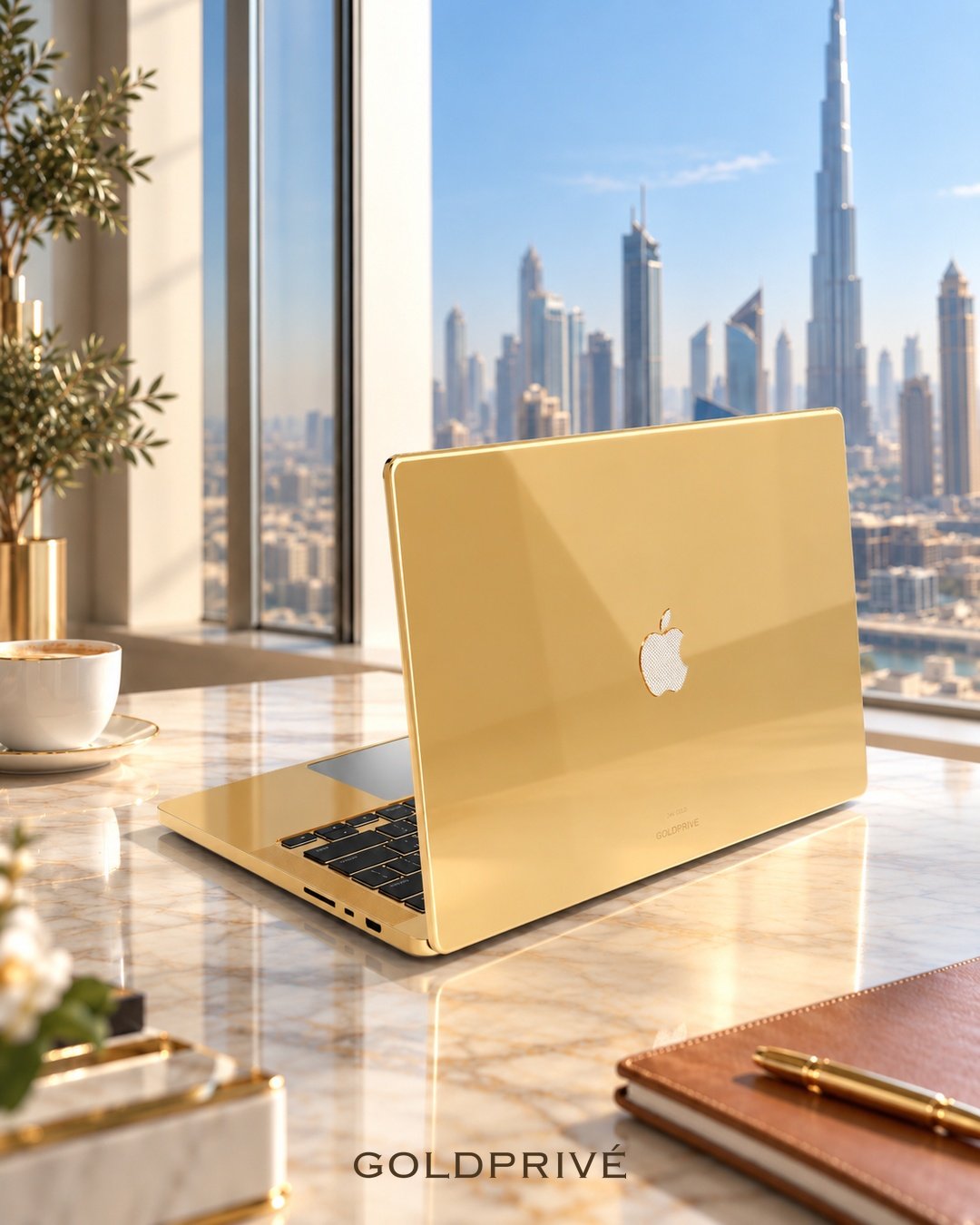
GoldPrivé care guide
How to Care for a Gold MacBook or iPad Finish
Apple’s cleaning advice was written for bare aluminium. A plated GoldPrivé MacBook or iPad needs a gentler routine on the metal, and Apple’s own routine on the screen.
To care for a gold MacBook or iPad finish, treat the device as two materials. The screen, keycaps and trackpad are still Apple’s surfaces. The case is plated metal, 5 to 7 microns of 24K gold, rose gold or platinum. That plated metal needs a dry cloth and nothing else, even where Apple says a 70% alcohol wipe is acceptable.
Wipe the plated case of a gold MacBook or iPad with a dry, soft, lint-free cloth only. Do not use sprays, alcohol, solvents or polishes on the metal: GoldPrivé’s warranty asks for this and excludes damage from cleaning or polishing liquids. Clean the screen the way Apple describes, keep the device away from liquids, and use a soft cover rather than a hard, tight case.
01Why Apple’s cleaning advice is not enough for a gold finish
Apple’s support page on how to clean your Apple products allows a 70 percent isopropyl alcohol wipe, a 75 percent ethyl alcohol wipe or Clorox Disinfecting Wipes on hard, nonporous surfaces such as the display, keyboard and exterior. For Mac laptops it also says a cloth moistened with 70 percent isopropyl alcohol can be used on the display or enclosure for stubborn smudges.
That advice is written for Apple’s own aluminium finish. On a GoldPrivé device, the enclosure is no longer bare aluminium. GoldPrivé’s warranty tells owners to clean with a dry, soft cloth only and not to use sprays, alcohol, solvents or polishes. It also lists cleaning or polishing liquids, perfume and lotions among the exclusions. So the two sets of instructions split by surface.
Apple’s own surfaces
- Screen glass
- Keycaps and trackpad
- Camera lenses, flash and LiDAR window
- Follow Apple’s guidance, water only, cloth never dripping
GoldPrivé plated metal
- Lid, deck and underside of a MacBook
- Back and sides of an iPad
- Dry, soft, lint-free cloth only
- No alcohol, sprays, solvents or polish
One practical consequence: on a gold MacBook the plated keyboard surround sits around every key. Apply any dampness to the cloth, never to the keyboard, so nothing runs from the keycaps onto the metal.
02What is plated on each gold MacBook and iPad
This care map comes from GoldPrivé’s live product listings. All five devices are plated 5 to 7 microns deep, and the three metals share the same design on each model.
| Device | Plated metal (dry cloth only) | Left as Apple built it | Detail to watch |
|---|---|---|---|
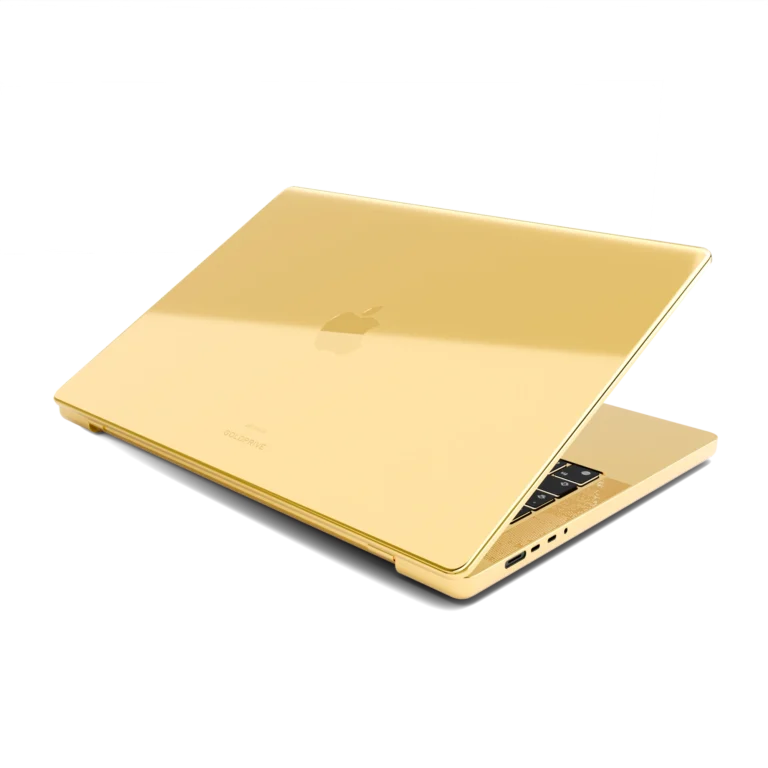
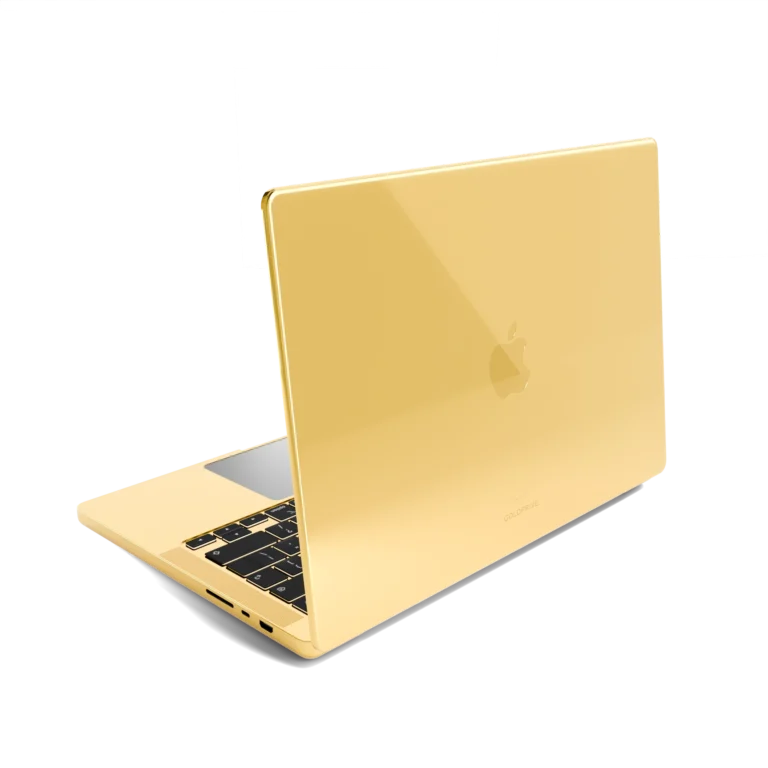
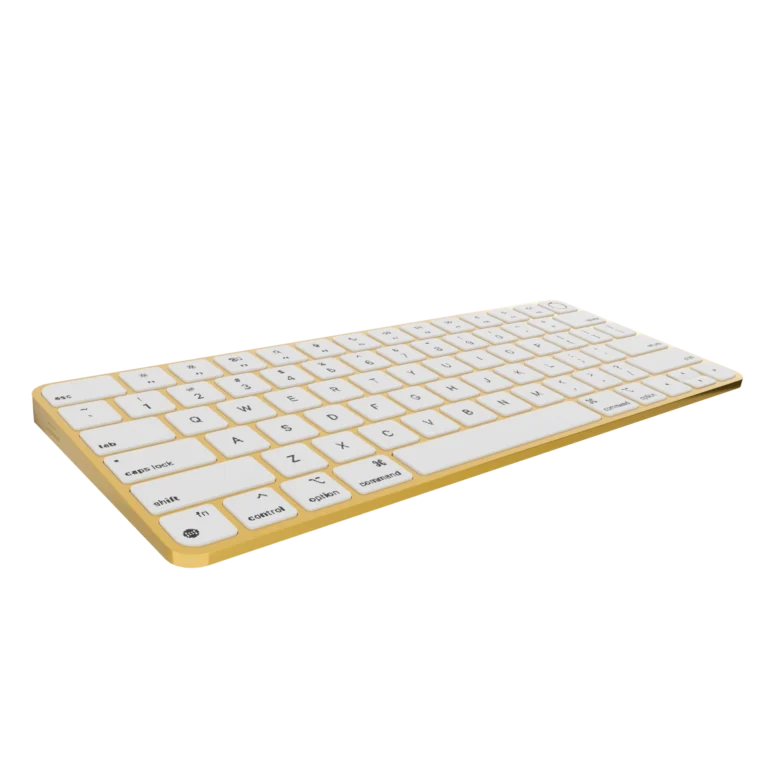
| Gold MacBook Pro | Lid, palm rest and keyboard surround, underside, speaker grilles beside the keyboard; Apple logo in the case metal | Keycaps, trackpad, screen, camera | Plated grilles sit next to the keys; keep moisture off them |
| Gold MacBook Air 13-inch | Lid, keyboard deck and palm rest, underside; Apple logo tone on tone | Keycaps, trackpad, screen, camera | No grilles beside the keys, but the same plated deck and palm rest |
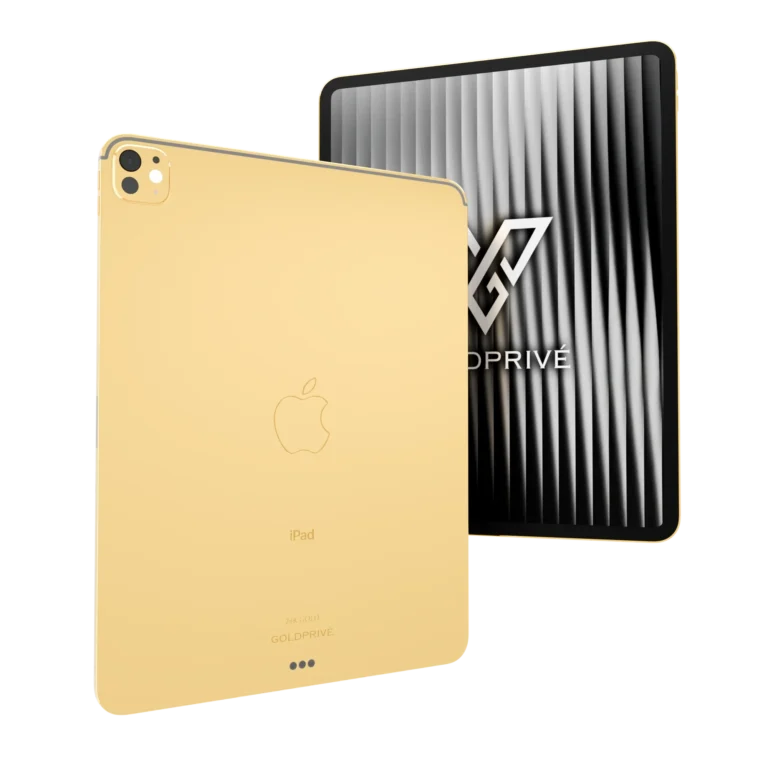
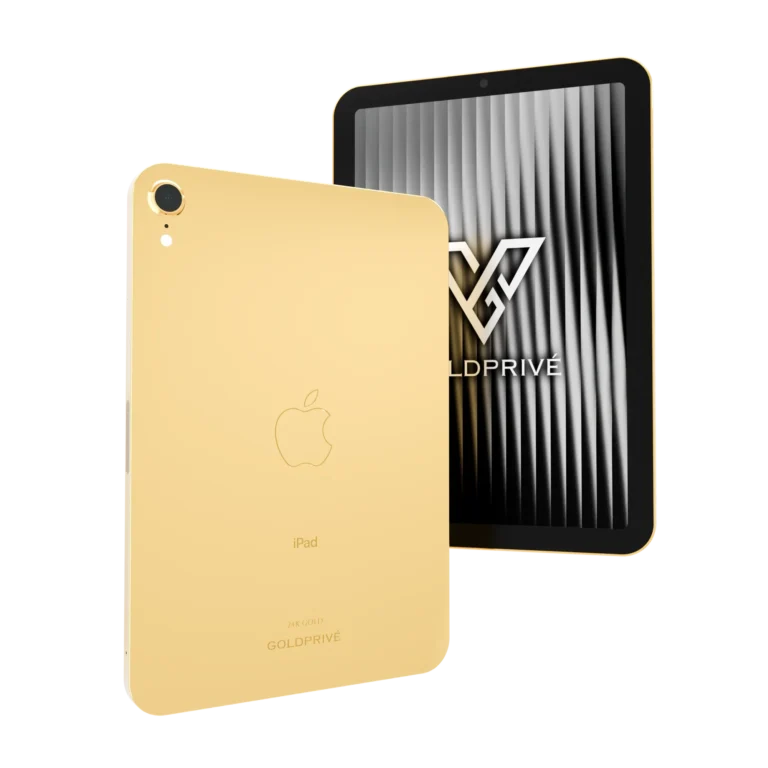
| Gold iPad Pro (M5) | Aluminium back and edges, including the raised camera plateau | Screen glass, cameras, flash, LiDAR Scanner | Apple Pencil Pro attaches along the plated long edge |
| Gold iPad Air (M4) | Back and sides, plus a metal ring around the rear camera | Front glass, camera lens | Magic Keyboard connects at the rear Smart Connector |
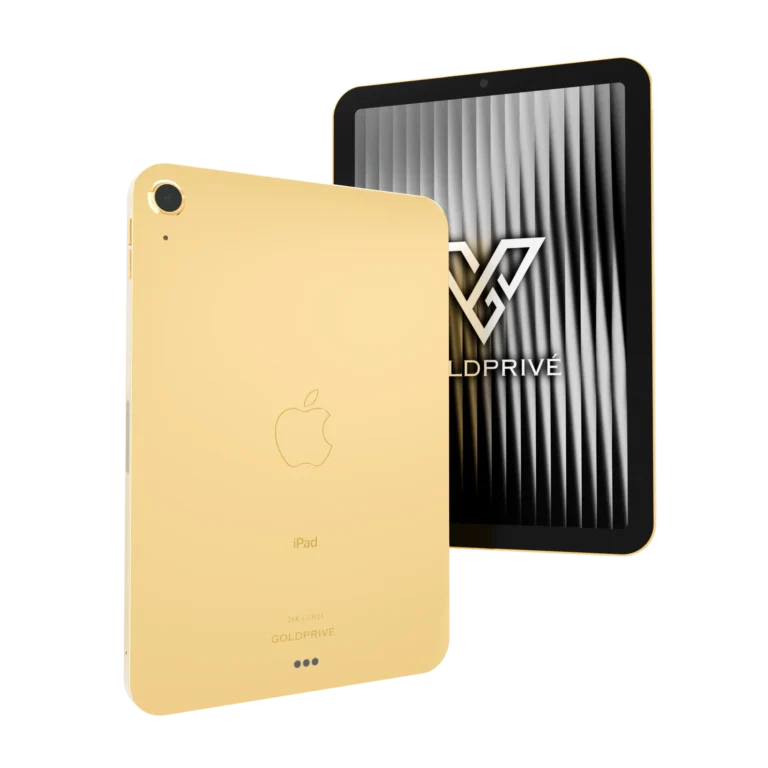
| Gold iPad mini (A17 Pro) | Back and sides, plus a ring around the rear camera | Front glass, camera lens | Apple Pencil pairs and charges magnetically on the plated edge |
The MacBook Pro also comes in a Black Logo edition and a VS1 diamond logo edition; on those the emblem is black or diamond-set rather than plated, and the same rule applies: a dry cloth only. For the full model comparison, see gold MacBook Pro vs gold MacBook Air and the gold iPad guide.
03How to care for a gold MacBook or iPad, step by step
- Power down and unplug.Apple asks you to shut down a Mac laptop and unplug the power adapter, and to unplug cables and turn off an iPad, before cleaning.
- Dust the plated metal with a dry cloth.Use a soft, lint-free cloth, dry. Apple also warns against abrasive cloths, towels and paper towels, and against excessive wiping. Light, straight passes are enough.
- Clean the screen with water only.Apple’s instruction for a MacBook screen is a soft, lint-free cloth dampened with water only. For iPad it is a soft, slightly damp, lint-free cloth; the iPad screen has an oleophobic coating that wears faster if rubbed with abrasives.
- Skip the alcohol step.Apple permits 70 percent isopropyl alcohol for stubborn marks, but GoldPrivé’s warranty asks owners not to use alcohol. On a gold device, leave stubborn marks to the service centre rather than risk the metal.
- Check for nano-texture glass.Apple lists nano-texture as an option on MacBook Pro and iPad Pro (M4), and uses a separate procedure with its polishing cloth. If your display has it, follow Apple’s nano-texture cleaning steps.
- Keep openings dry.Never spray anything onto the device, and keep moisture out of ports, speaker grilles and the Smart Connector.
04Cases, perfume and liquids: the daily habits that matter
Choose a soft cover, not a hard shell
Apple suggests a case for an iPad if you are concerned about scratches. GoldPrivé’s warranty agrees on protection but is specific about the type: always use a soft cover or case, because hard, tight-fitting cases in leather, suede, plastic or synthetic fibre wear the plating. Wear from such cases is listed as an exclusion, so this choice decides whether marks are your cost or a claim.
Let hand cream and perfume settle first
Sweat, perfume, lotions and cleaning or polishing liquids are all named in the warranty’s chemicals exclusion. With a MacBook, the palm rest takes the most contact, so dry hands before a long session. With an iPad, keep scent and make-up away from the back.
Treat every liquid as a risk
A customised device is not water resistant. GoldPrivé’s warranty states that any contact with water or other liquid, or signs of moisture or corrosion, ends cover. For iPad, Apple’s own one-year limited warranty separately excludes damage caused by liquid contact, and products modified to alter functionality or capability without Apple’s written permission. Keep drinks off the desk the laptop sits on.
Mind the Apple Pencil edge
On every gold iPad the sides are plated, and Apple Pencil Pro pairs and charges on the long edge. Apple’s advice is to wipe the Pencil body with a slightly damp, lint-free cloth. Doing that before snapping it on keeps grit off the plated edge.
05Normal wear vs what the warranty covers
GoldPrivé’s warranty describes plating as a finish: scratches, scuffs and gradual wear from everyday use are not defects. The table below summarises how common situations are treated, from the published policy.
| Situation | Treatment under GoldPrivé’s warranty |
|---|---|
| Plating peels, flakes or blisters from a workmanship defect | Covered for 2 years from delivery |
| Electronic component fault in normal use | Covered for 12 months; batteries 6 months |
| Scratches and scuffs from use or hard, tight cases | Not covered: classed as wear |
| Damage from alcohol, solvents, polish, perfume or lotions | Not covered: chemicals exclusion |
| Any contact with water or other liquid | Ends cover |
| Opening or repair by anyone other than GoldPrivé’s service centre | Not covered |
If you are trying to read early signs of thinning, GoldPrivé’s guide to whether gold plating can wear off explains what to look for. GoldPrivé does not promise a fixed lifespan for any finish; how a device is handled is the deciding factor.
06When to ask for a refresh instead of cleaning harder
Polish cannot replace plating that has worn, and polishing liquids fall under the warranty’s chemicals exclusion. The route is GoldPrivé Care. When you move to a new device, GoldPrivé will refresh your old one before resale, or recustomise it with fresh plating and new engraving if you plan to gift it. The free recustomisation applies once per purchase and is activated when you buy your next GoldPrivé device. After the warranty ends, the service centre continues repairs and adjustments at a price agreed before work starts.
- Apple allows 70% isopropyl or 75% ethyl alcohol wipes on hard, nonporous surfaces of its products, and 70% isopropyl on a Mac laptop’s display or enclosure for stubborn smudges (Apple Support).
- Apple: MacBook screens with a cloth dampened with water only; iPad with a soft, slightly damp, lint-free cloth; no aerosol sprays, bleaches or abrasives.
- Nano-texture is an option on MacBook Pro and iPad Pro (M4), cleaned with Apple’s separate procedure (Apple Support).
- GoldPrivé warranty: dry, soft cloth only; no sprays, alcohol, solvents or polishes; soft cover, not hard tight cases; any liquid contact ends cover.
- GoldPrivé listings: MacBook and iPad plating is 5 to 7 microns; screens, keycaps, trackpads and lenses are never plated.
07The gold MacBook and iPad range
Each device below is a factory-new Apple product plated in 24K gold, rose gold or platinum, with the three metals priced the same within a design.
Unsure whether a mark is wear or a defect? Read the full warranty policy before you try to remove it.
08Questions buyers ask
- Can I use alcohol wipes on a gold MacBook?
- Not on the plated case. Apple allows 70 percent isopropyl alcohol on a standard MacBook enclosure, but GoldPrivé’s warranty asks owners not to use alcohol, sprays, solvents or polishes on a customised device. Use a dry, soft, lint-free cloth on the metal.
- How do I clean the screen of a gold iPad?
- As Apple describes: turn the iPad off, unplug it, and use a soft, slightly damp, lint-free cloth, keeping moisture out of openings and off the plated edges. If your iPad Pro has nano-texture glass, use Apple’s nano-texture procedure.
- Should I put a case on a gold iPad or MacBook?
- Use a soft cover or sleeve. GoldPrivé’s warranty says hard, tight-fitting cases in leather, suede, plastic or synthetic fibre wear the plating, and that wear is not covered.
- Can I polish my gold MacBook to restore the shine?
- No. Damage from polishing liquids is excluded under GoldPrivé’s warranty, and polish cannot replace plating that has worn. For a worn finish, ask about GoldPrivé Care.
- What happens if I spill a drink on my gold MacBook?
- Power it down and contact GoldPrivé’s service centre. A customised device is not water resistant, and GoldPrivé’s warranty states that any contact with liquid ends cover.